
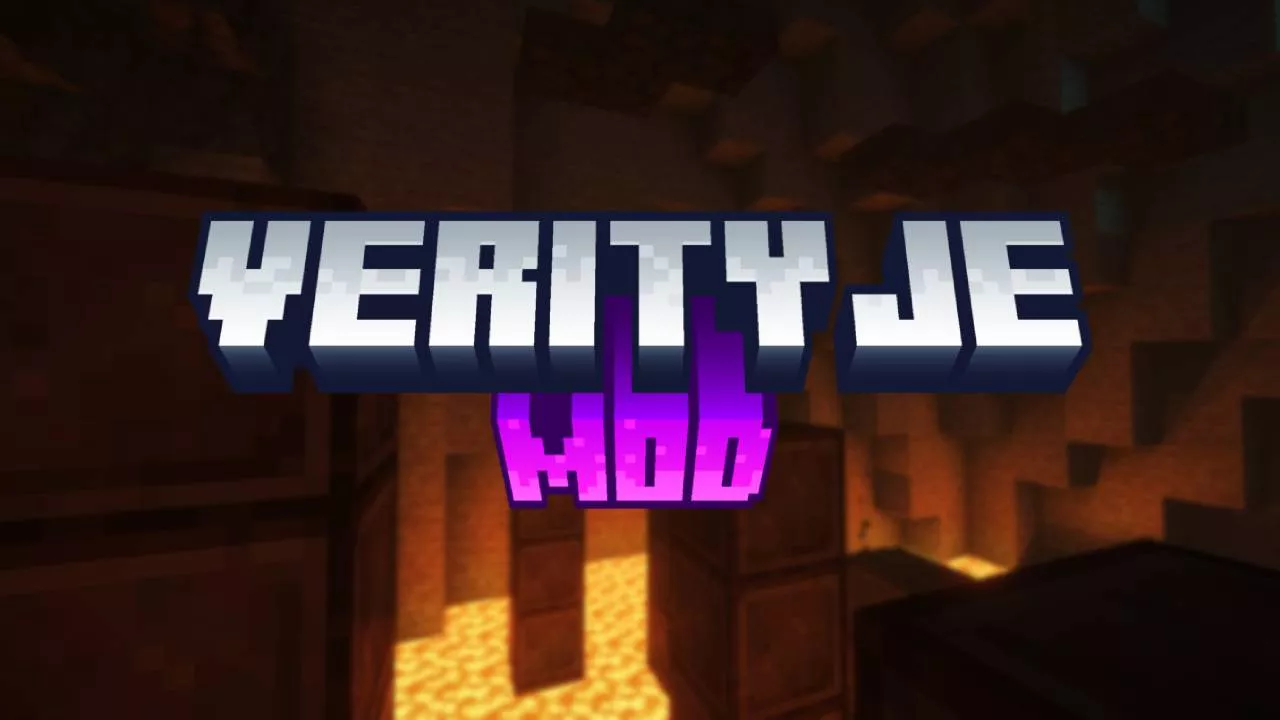
Verity JE Mod 26.3 → 1.21.11, 1.19.4 isn’t your typical Minecraft mod, and honestly, that’s the whole reason people can’t stop talking about it. Most mods add swords, dimensions, or a new type of ore you have to dig for. This one adds a personality. Verity is an AI-powered companion that actually listens to what you type or say and talks back, and the first time she responds to something you didn’t expect her to understand, it’s a little unsettling in the best way.
She shows up in her own little animated box, ready to help, answer questions, or just keep you company while you play. But there’s a catch, because Verity has a darker side too. Push the wrong buttons, or just get unlucky, and you might end up face to face with the Verity Demon instead, which is where the mod’s horror roots really start to show. A lot of the buzz around this one traces back to a video that made the rounds a while back, and this mod is the official, sanctioned way to bring that same experience into your own Minecraft Java Edition world.
That said, downloading it isn’t quite as simple as clicking install and hopping into a world, since Verity needs to be set up correctly to actually talk back to you. Good news is, the mod works with both Forge and NeoForge, so whichever loader you’re already running, there’s a build for you. It also covers a decent spread of versions, from the newer Minecraft 26.3 builds down through 1.21.11 and 1.19.4, so you’re not stuck upgrading or downgrading your whole setup just to try it out. Here’s what you need to know before you download and install it, step by step.
How To Download Verity JE Mod 26.3
This Minecraft mod is fully compatible with Minecraft 26.3 and all currently available versions. Keep in mind that each mod requires a different loader. This mod requires you to have Forge/Fabric.
- Scroll down to the download section where you’ll find two links: one for the Verity JE and another for Forge.
- Download both files. Let’s start with the first one as an example.
- Click on the link provided.
- It will immediately take you to the website where you can finally download the mod.
- In the download section, select the correct Minecraft version and click “Download.”
- Save the file to your desktop. Repeat the process for the second link.
- For more detailed instructions, check out my article on How to Install Mods in Minecraft.
How To Install Verity JE Mod 26.3
First thing first, check that you have both files on the desktop.
- Open the Windows Search Bar, located in the bottom left corner of your screen.
- Type
%appdata%and press Enter. - This will open the Roaming folder. Locate and open the
.Minecraftfolder. - Scroll down and open the
modsfolder. - Drag and drop the Verity JE Mod 26.3 into the
modsfolder. - Next, we need to install Forge.
- Return to your desktop.
- Agree to the terms and conditions, then click “Install.”
- Launch the Minecraft Launcher, select the correct version, and enjoy your game!
Verity JE Mod – Download Links
[26.3 – 1.21.x] Verity JE Mod for Minecraft
[26.3 – 1.21.x] Forge for Minecraft